
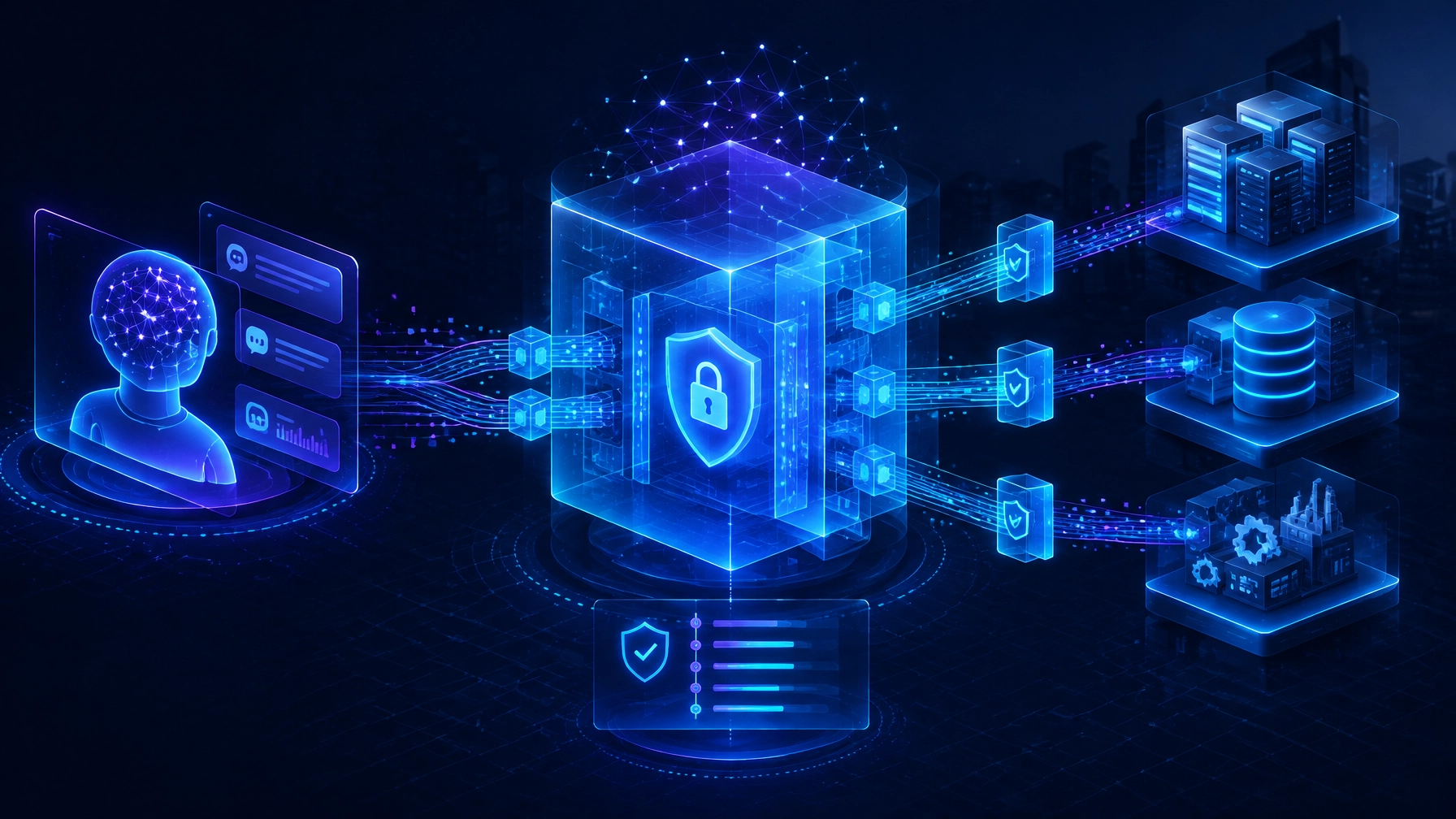
TL;DR: Integrate AI agents with legacy systems through a governed API or integration layer, not by giving an agent direct database access. Start with one low-risk workflow and read-only access, then add human-approved updates only after testing permissions, data quality, monitoring, and rollback. This lets teams prove operational value without putting core systems or business continuity at risk.
Legacy systems don’t have to block AI adoption. But connecting an AI agent directly to an ERP, work-order platform, or operational database can turn a useful pilot into a security and reliability problem.
A safer approach treats the agent as a new user of business systems: it gets a defined job, limited permissions, approved ways to access information, and clear oversight. The underlying system remains authoritative. The agent can help people find information and move work forward without becoming an unchecked operator.
That is the core of AI agent integration with legacy systems: connect capabilities, not raw tables, and expand access only as evidence supports it. At Seisan Consulting, based in Lancaster, Pennsylvania, we help organizations modernize workflows around the systems they already rely on, without assuming a full replacement is the right first move.
What does AI agent integration with legacy systems actually mean?
An AI agent can interpret a request, retrieve information, and use tools to perform tasks. Integration determines which information and actions those tools can reach, and under what rules.
For example, a manufacturing agent might summarize a production delay by reading approved order, inventory, and maintenance data. It could prepare a work-order update for review, while an authorized employee approves the change in the existing system. The ERP remains the system of record; the agent supports the workflow around it.
This distinction matters. Enterprise AI agents should interact with business capabilities such as “retrieve order status” or “prepare a maintenance request,” rather than receive broad access to database tables. A well-designed API integration layer can translate between the agent’s bounded tools and legacy applications, while enforcing validation, authorization, and logging.
The goal is not to make every system “AI-native.” It is to make a specific, valuable workflow safer and easier to complete.
Why is direct access to a legacy system risky?
A model can produce a wrong answer. An agent connected to tools can also take a wrong action: quickly, repeatedly, and across systems. That makes permissions, context, and recovery as important as model selection.
Risks include exposing sensitive records, acting on stale or inconsistent data, making an unintended change, or following malicious instructions embedded in an email or document. Legacy environments can add complications: undocumented interfaces, shared service accounts, fragile batch processes, and limited audit capabilities.
The OWASP AI Agent Security Cheat Sheet highlights risks including prompt injection, excessive agency, tool misuse, and sensitive-data exposure. Its practical implication is clear: an agent’s decision should not be its own authorization. Validate requests, restrict each tool’s permissions, and require human approval for high-impact or hard-to-reverse actions.
Likewise, NIST’s AI Safety Institute Consortium report on tool use in agent systems recommends evaluating tools across dimensions such as function, access, risk, reversibility, reliability, monitoring, and autonomy. That gives teams a useful way to assess each proposed connection before deployment.
What should an AI agent be allowed to access?
Start with the smallest set of data and actions that lets the agent do its job. Access should be scoped to the workflow, not granted broadly because it is convenient.
A governed integration layer should:
- Expose business capabilities rather than unrestricted database access.
- Enforce the user’s and agent’s permissions outside the model.
- Validate inputs and outputs against defined schemas and business rules.
- Log tool requests, decisions, approvals, and results.
- Apply timeouts, rate limits, and controlled retries.
- Support safe failure, manual fallback, and rollback where possible.
Use a distinct, narrowly scoped identity for each agent or task. Avoid shared credentials and standing privileges. Where the environment supports it, use short-lived credentials and verify authorization at the time of action.
Start with read-only access. If the agent later needs to update a record, route that action through a controlled interface. Require an authorized person to approve changes that affect production, finance, customer commitments, safety, or regulated records.

How do you connect an agent without replacing the ERP?
Treat ERP integration as a workflow design problem, not simply a connector project. The integration should preserve the ERP’s role as the system of record while making selected information and actions available through safe, defined interfaces.
A typical pattern includes an API, middleware, or broker layer between the agent and the legacy application. That layer can translate data formats, check permissions, enforce business rules, and return only the information the agent needs. For older software without modern APIs, an adapter or controlled integration service may be appropriate, but its limits and failure modes need to be understood before production use.
Define data contracts for every tool: what it accepts, what it returns, what errors mean, and which system owns each field. Use stable identifiers and, for operations that may be retried, idempotency controls so the same request does not accidentally create duplicate transactions. Add correlation IDs to trace a request across services and logs.

This is a practical form of legacy system modernization: extend useful systems through targeted integration and workflow improvements instead of defaulting to a disruptive rebuild.
Seisan’s Orion Advantage case study offers an example of connected ERP and customer workflows: Seisan built a NetSuite-connected portal for customer order and invoice self-service, with consolidated account visibility for sales representatives. It is an integration example, not a claim of AI-agent results, and illustrates how connecting existing systems can improve a business workflow.
Where should operations teams start?
Choose a workflow that is frequent enough to matter, bounded enough to control, and measurable enough to evaluate. Document the current process before choosing a model or building an agent.
A logistics team might begin with incident summarization and routing. A manufacturer could test production-status lookup across approved order and maintenance sources. A field-service organization might use an agent to assemble relevant work-order context for a dispatcher. In each case, the first version can support a person’s decision rather than make it.
Consider whether standard automation or rules would solve the problem more simply. Seisan’s AI & Intelligent Automation approach starts with the task, data, value, and risk, then uses AI where it fits. That keeps attention on operational improvement, not technology for its own sake.
How can you pilot an agent without disrupting operations?
Use a staged pilot with explicit owners, safeguards, and decision gates:
- Diagnose one workflow. Map the people, systems, handoffs, exceptions, and current performance. Identify the process owner and the business outcome that needs to improve.
- Prioritize the use case. Select a bounded task with accessible data and a clear human fallback. Define which decisions remain with people.
- Build the governed connection. Agree on the agent’s identity, permissions, data contract, logging, and failure behavior. Start read-only.
- Test in shadow mode. Compare the agent’s outputs with real outcomes without allowing it to change production records. Test normal cases, edge cases, and hostile or misleading input.
- Evolve in stages. If evidence supports it, introduce a narrow, human-approved write action. Expand only after reviewing results, incidents, and operational readiness.

Agree on measures before the pilot starts. Depending on the task, these may include correct routing, answer accuracy against verified records, time to complete, exception rates, human overrides, data discrepancies, latency, and cost per case. Set acceptable thresholds with the business and technology owners; there is no universal score that makes an agent safe for every workflow.
Microsoft’s Azure incident-triage work provides a useful example of both potential and context. Microsoft reports 90% accuracy for its Local Triage agents and a 38% reduction in mitigation time for one team. These are results from a particular production use case, not a general benchmark or promise for other systems. The lesson for buyers is to evaluate agents against their own workflows, teams, and risk controls.
What does a responsible first step look like?
AI agents will become part of enterprise operations, but the organizations that benefit sustainably will connect them with discipline. They will start with a specific workflow, protect the systems of record, make permissions explicit, and expand autonomy based on measured performance.
At Seisan, we help teams diagnose where work gets stuck, prioritize a useful first step, build the right integration or software, and evolve from there. If an agent could reduce searching, re-entry, or routine routing in your operation, bring that workflow to a working session. We’ll discuss the systems involved, the impact, and whether a focused assessment is the right next move.
Frequently asked questions
Can AI agents work with legacy systems?
Yes. Agents can work with legacy systems through APIs, middleware, adapters, or other governed integration patterns. The right approach depends on the system’s interfaces, data quality, security needs, and the workflow involved.
Should an AI agent have direct database access?
Usually not. A governed API or integration layer can expose only the approved data and business actions the agent needs, while enforcing permissions and logging activity.
Should an AI agent be read-only at first?
Read-only access is a strong starting point because it lets teams test usefulness without allowing the agent to change records. Add narrowly scoped, human-approved actions only after evaluation and operational safeguards are in place.
How do you measure an AI agent integration pilot?
Choose measures that match the workflow, such as answer accuracy, correct routing, time to complete, exception rates, human overrides, and data discrepancies. Establish a baseline and acceptable thresholds before the pilot begins.
Does integrating an AI agent require replacing an ERP?
No. Many use cases can connect to existing systems through a targeted integration or adapter. Assessment should determine whether the system can support the workflow safely before a replacement is considered.


